Watch two lines at once
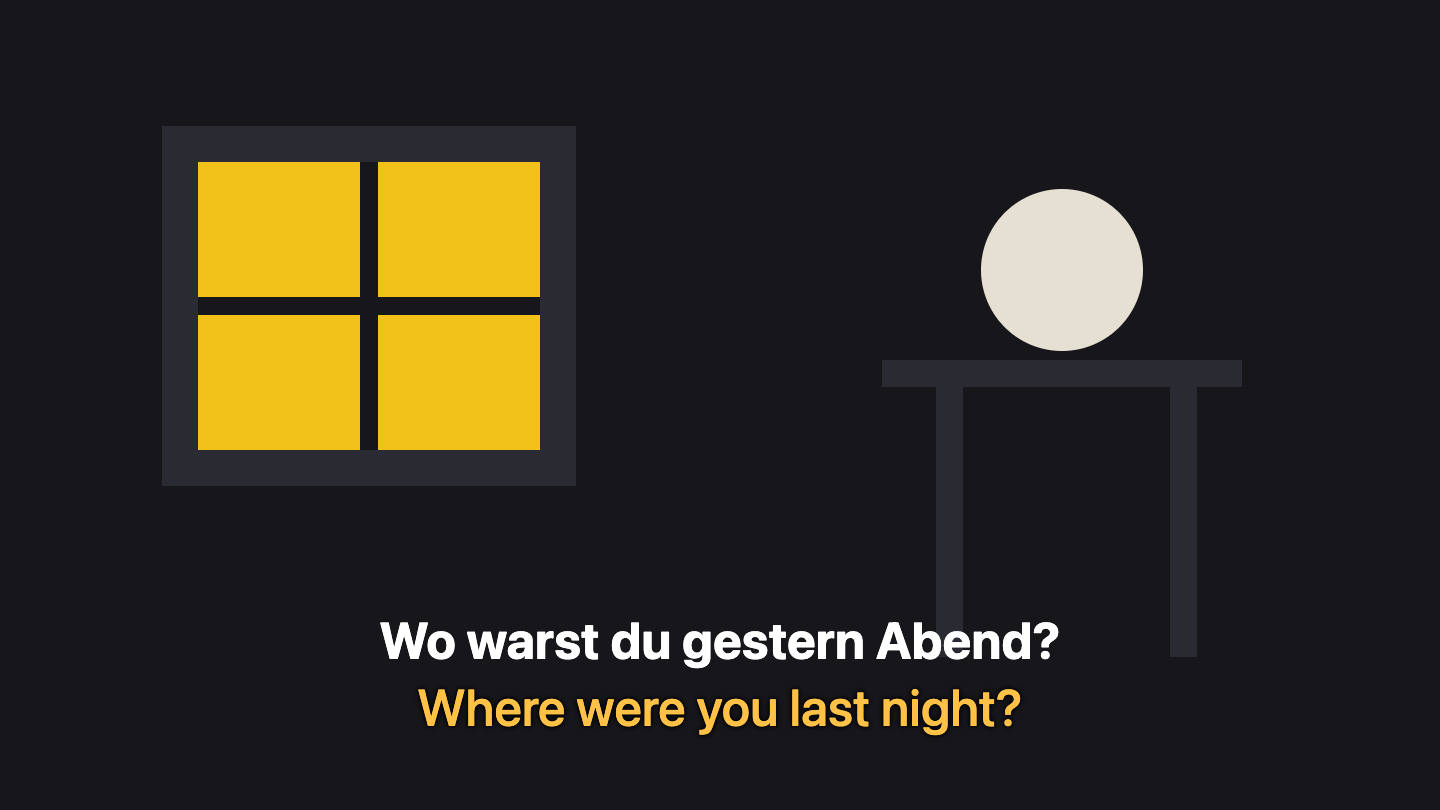
See how a scene reads with Transflixed: the original subtitle on top and its translation underneath. Switch the language or choose which lines to show. On Netflix the translated line appears under the real subtitles, in whichever pair of languages you pick.
Sample sentences written for this demo, not taken from any film or series.
Four steps
First you add it.
Free, from the Chrome Web Store.
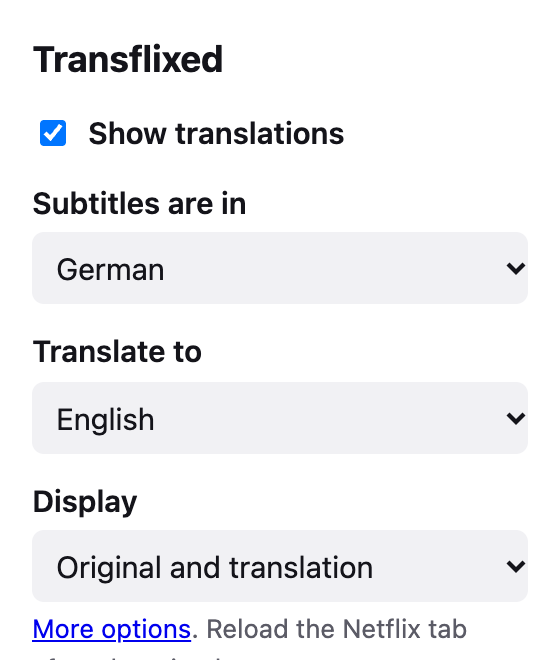
Then you pick two languages.
The one you are learning and the one you read best.
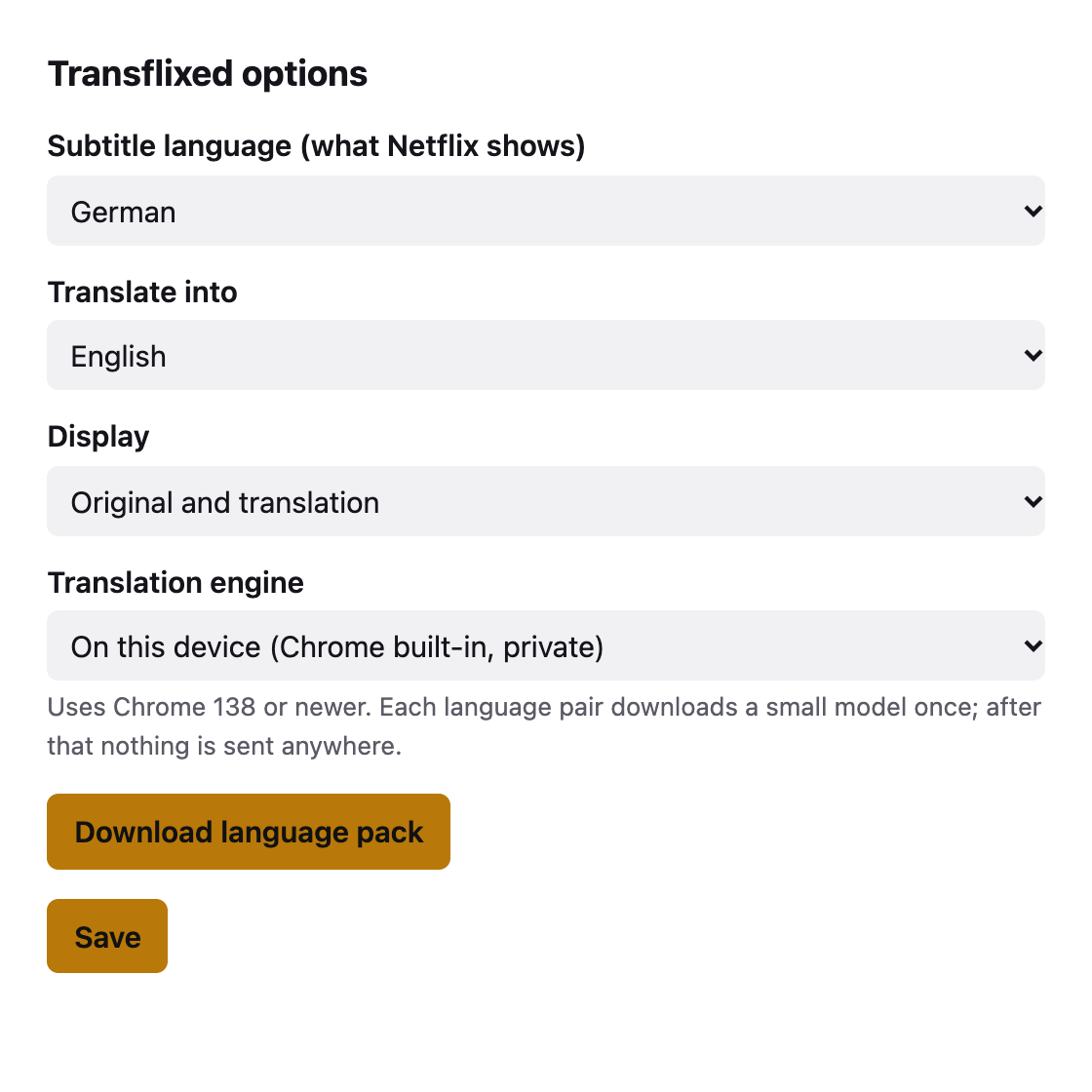
Then Chrome gets the translator.
A small on-device model. Or paste your own key instead.
Then you just watch.
Turn on subtitles in Netflix and the second line follows along.
Your viewing stays yours
No account. No server. No analytics. The default translator runs inside Chrome on your own computer, so the sentences you watch are not sent anywhere.
It asks for access to netflix.com and storage for your settings, and nothing else. Read the privacy policy.
Questions
Is this made by Netflix?
No. Transflixed is an independent extension for Netflix and has no connection to Netflix, Inc. It only reads the subtitle text your own player is already showing. You need your own Netflix account.
What does it actually do?
When a subtitle appears, Transflixed translates that sentence and shows the translation on a second line underneath. You can keep the original and the translation together, or show only the translation.
Which languages work?
Around 30 languages as the subtitle language and as your own language, including German, Spanish, French, Italian, Portuguese, Japanese, Korean and Chinese. Which pairs the on-device translator supports depends on your version of Chrome. Turn on subtitles in the language you are learning in Netflix first; Transflixed translates what is on screen and does not make subtitles for titles that have none.
Is my viewing private?
Transflixed has no server, no account and no analytics. With the on-device translator, subtitle text is translated inside your browser and goes nowhere. If you choose Google Cloud Translation instead, each subtitle line is sent to Google with your own API key. The privacy policy has the details.
Do I need an API key?
Not for the default on-device translator. It needs Chrome 138 or newer and a one-off language download (a button appears over the player, in the popup and in the options). If your browser has no built-in translator, you can paste your own Google Cloud Translation key; Google charges for that service under its own pricing. Transflixed ships no key of its own.
Does it work in other browsers?
It is built for Chrome. Other Chromium browsers can run it, but the built-in translator is a Chrome feature, so there you would use the Google key option.
Is it free?
The extension is free. The only possible cost is your own Google Cloud usage if you pick that engine.
Where can I install it?
From the Chrome Web Store: use the Add to Chrome button on this page, or search the store for Transflixed. It is free.
There was an older Transflixed. What changed?
The first version from 2018 translated German to English only, by copying the subtitle files Netflix sent to the page. This version is a complete rewrite: it reads what is on screen, works with any language pair, can translate on your device, and asks for far fewer permissions.
The translation is wrong or odd. Why?
Subtitles are translated one caption at a time by machine translation, with no view of the scene around it, so slang and jokes can come out flat. Treat it as a reading aid, not an answer key. Reports are welcome at info@transflixed.com.
Watch with two lines
Free in the Chrome Web Store, for Chrome 138 or newer. No account, nothing to sign up for.
Transflixed is not affiliated with Netflix, Inc.